Why do receipts fade?
Most register receipts carry no ink at all. They are printed on thermal paper, which has a coating that darkens wherever the printer head heats it. The same coating keeps reacting after you leave the store. Heat, sunlight, friction and some chemicals, such as hand lotion, sanitizer and the softeners in some vinyl sleeves, can darken the whole slip or wash the print out.
That is why a receipt kept in a wallet, a hot car or a sunny window can become hard to read long before you need it at tax time.
How do you stop a receipt from fading?
You cannot stop thermal paper from aging, but you can slow it down:
- Keep receipts out of heat and sunlight: not on the dashboard, not in a window, not near a heater.
- Store them flat in paper envelopes or a paper folder, one per month, in a cool, dark drawer.
- Keep them away from vinyl sleeves, rubber bands, hand lotion and sanitizer.
- Do not laminate them. A hot laminator heats the whole slip, and heat is what darkens thermal paper.
- Ask for an emailed receipt when the store offers one, so there is nothing to fade.
Can I copy a receipt before it fades?
Yes, and it is the only fix that lasts. A photo or a scan made while the print is still sharp keeps what the paper loses. A photocopy on plain paper works too.
Once the print is gone, it rarely comes back. If a receipt has already faded, match the purchase to your card or bank statement and write a short statement of what you bought and why. Our missing receipt affidavit tool writes that statement for you.
Does the IRS accept scanned receipts?
It can. IRS Publication 583 says electronic records must meet the same requirements as paper ones, and the system that holds them must index, store, preserve, retrieve and reproduce them in a legible form. Revenue Procedure 97-22 has the details. Whatever form you keep, the receipt still needs to show who you paid, the amount, the date and what you bought.
What is the easiest way to keep a copy?
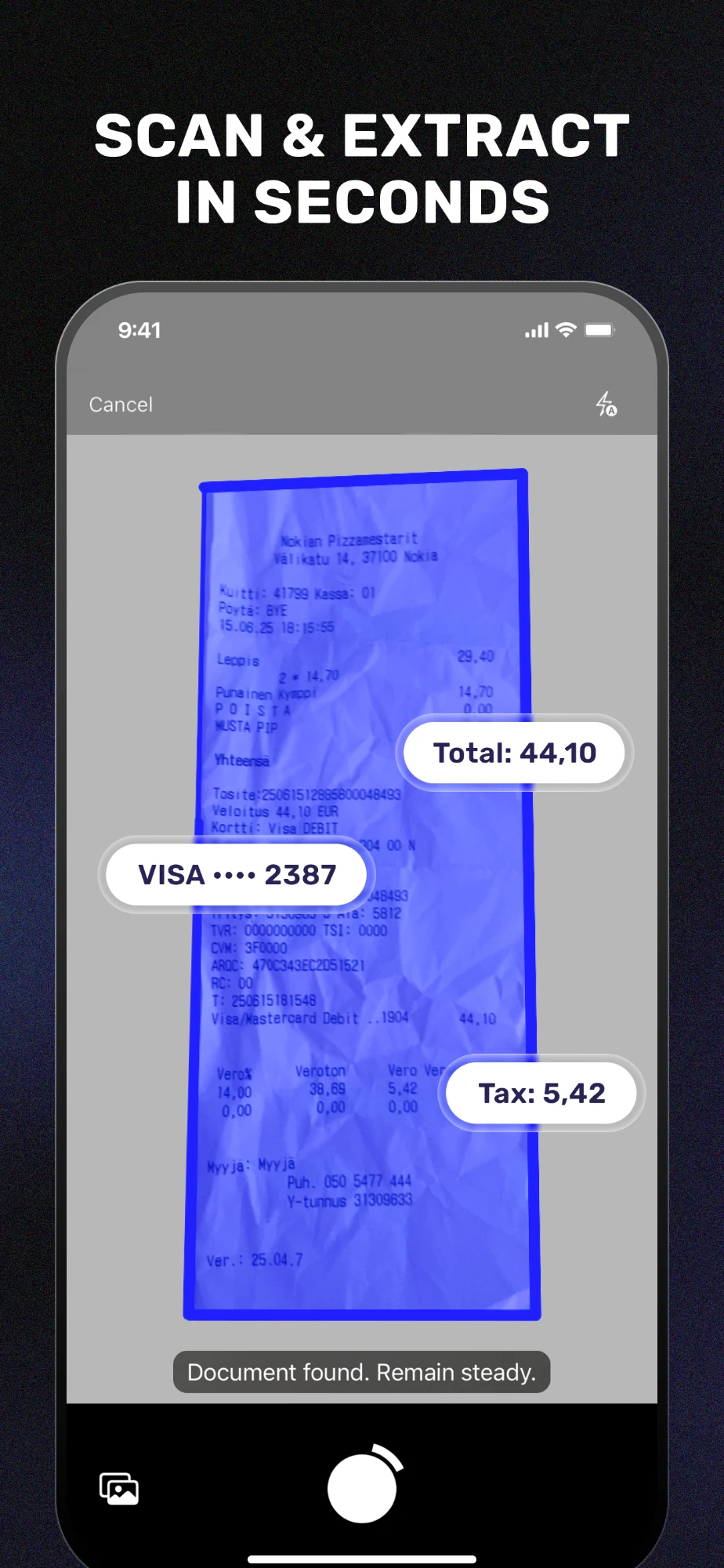
Photograph each paper receipt before it leaves your hand, then let an app read it. SparkReceipt reads the photo, pulls out the merchant, date, total and tax, files it by category, and keeps the image with the record, so the paper can fade without taking your proof with it.
Sources: IRS Publication 583, Starting a Business and Keeping Records, Electronic records (read October 30, 2026); IRS Publication 463 (2025), Travel, Gift, and Car Expenses, chapter 5 (read October 30, 2026).
Snap it once, keep it for good
SparkReceipt reads each photo with AI and keeps the image with the record, so a faded slip no longer means a lost expense. 7-day free trial.
We earn a commission if you subscribe via our links. We're not SparkReceipt.